Choosing Web Fonts That Work Across Four Scripts
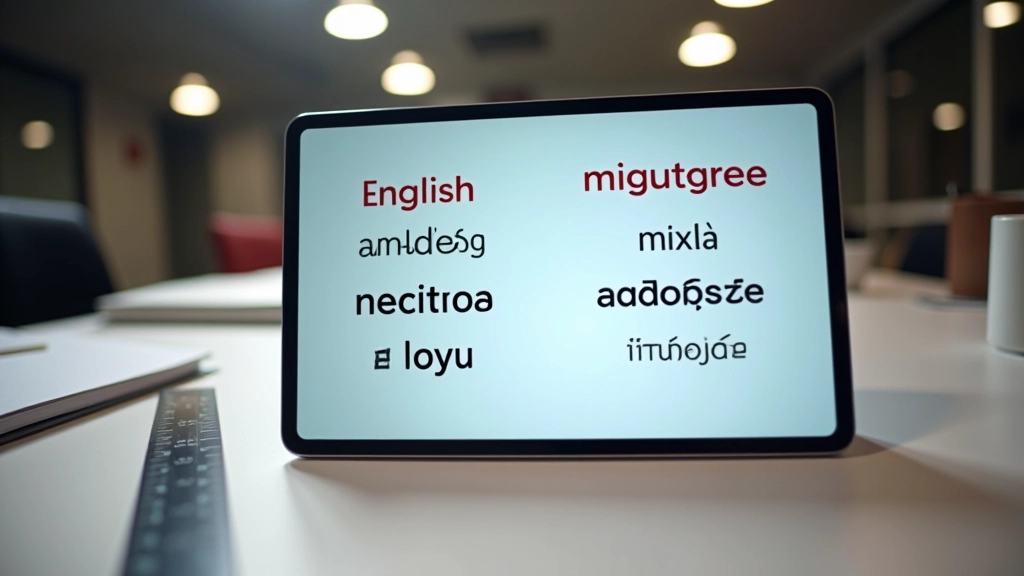
Learn how to evaluate typeface coverage for English, Chinese, Malay, and Tamil. We’ll break down glyph sets and rendering consistency across browsers.
The Challenge of Four Scripts on One Page
Singapore’s digital landscape demands something most Western designers never think about. You’re not just picking a typeface—you’re picking four of them, whether you realize it or not. English uses Latin letters. Chinese requires thousands of glyphs for characters. Malay and Tamil bring their own alphabetic systems with completely different metrics and spacing needs.
The real problem isn’t finding fonts that exist. It’s finding fonts where all four scripts look intentional together, not like someone threw them at the page and hoped for the best. We’ve seen plenty of websites where the English is beautiful and the Chinese looks cramped. Or where Tamil conjuncts overlap because the line height was designed for Latin ascenders.

Understanding Glyph Coverage and Character Sets
When you download a font, you’re getting a specific set of characters—the glyphs. A basic Latin font might include 200-300 characters. A font that covers Chinese needs 3,000 to 20,000 glyphs depending on whether it includes simplified and traditional characters.
Here’s what matters: Check the Unicode ranges your font supports. If you’re building for Singapore, you need Latin (U+0000 to U+007F), Chinese (CJK Unified Ideographs), Tamil (U+0B80 to U+0BFF), and Malay uses Latin with some additional diacritical marks.
Pro tip: Don’t assume a font covers what you need. Use online tools like FontForge or the Unicode chart to verify character coverage before committing to a typeface.
This article provides educational information about multilingual web typography practices. Font rendering behavior varies across browsers, operating systems, and devices. Always test your typeface selections across all target platforms and scripts before deployment. Specific rendering results depend on system fonts, browser versions, and user settings.
Rendering Consistency Across Browsers
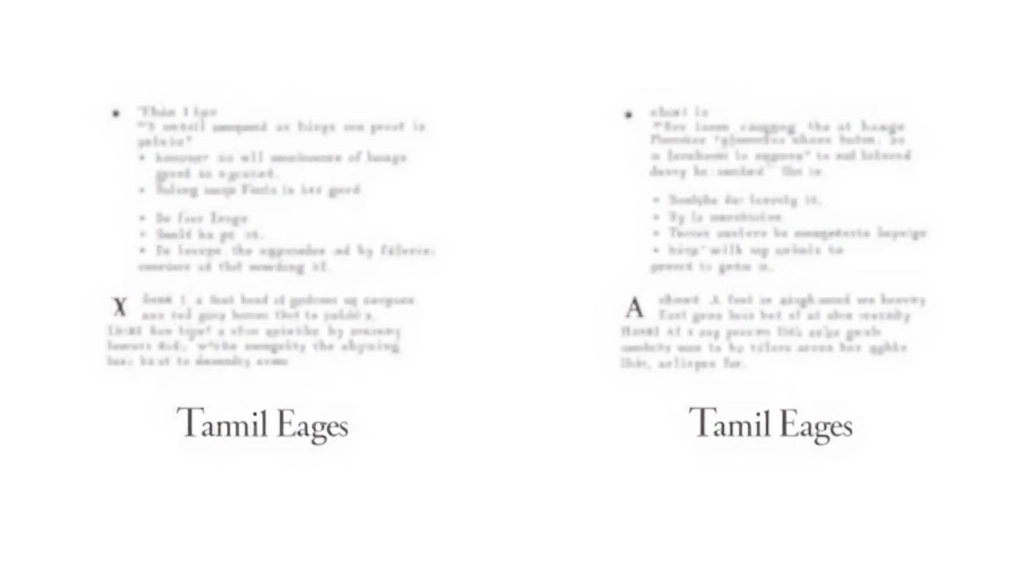
You’ve picked a font that covers all four scripts. Now what? Your font looks different in Chrome than Firefox. Different on Mac than Windows. This isn’t a bug—it’s how operating systems handle font rendering.
Windows uses ClearType, macOS uses Core Text, and Linux has FreeType. Each one applies anti-aliasing differently. A font weight that looks crisp on one system might look fuzzy on another. For multilingual text, this matters even more because different scripts have different stroke patterns. Chinese characters with thin strokes can disappear entirely if rendering is too aggressive.
Test on actual devices. Not just browser emulators. We’ve seen websites look great in Chrome DevTools on Windows but fall apart on a real MacBook. Tamil text especially needs testing because conjuncts—where multiple letters combine into one shape—render unpredictably if your font’s hinting is poor.
Specific Fonts That Actually Work
Let’s get practical. If you’re starting from scratch, here are fonts that handle all four scripts reasonably well:
Noto Sans
Google’s answer to covering every script on Earth. It’s free, covers 1,000+ languages including all four Singapore scripts. The catch? It’s 30+ font files. You’ll need subsetting strategies to keep load times reasonable.
Source Han Sans
Adobe’s typeface designed specifically for CJK. It’s enormous (over 65,000 glyphs for Chinese alone), but it renders beautifully. Pairs well with a clean Latin typeface like Open Sans for English sections.
Roboto + Noto Sans Tamil
Roboto for English and Malay, Noto Sans Tamil specifically for Tamil text. This two-typeface approach gives you better control. English stays clean, Tamil gets a font optimized for its script’s requirements.

Load Times and Performance Considerations
A font that covers all four scripts beautifully is useless if it takes 8 seconds to load. Noto Sans Sans TC (Traditional Chinese) is 2.5MB uncompressed. That’s before you add the other scripts.
Subsetting is your friend. Don’t load every possible character. If your page uses 500 Chinese characters, extract just those 500 instead of loading 20,000. WOFF2 compression cuts file sizes by 30-50% compared to TTF. Variable fonts let you use a single file for multiple weights and widths—one file instead of five.
On Singapore’s fiber networks, even 2MB loads fast. But mobile users on 4G or weaker connections still exist. Keep your combined font file size under 200KB if possible. If you must go larger, implement font-display: swap so text appears immediately in a system font while your custom font loads.
Making Your Choice
Choosing fonts for multilingual sites isn’t about finding one perfect typeface. It’s about understanding what you need—which scripts, which characters, which browsers—and then making deliberate choices. Test early. Test on real devices. Don’t assume a font works across all four scripts just because it claims to. And remember: your users in Singapore speak multiple languages. Your typography should reflect that thoughtfulness.
Ready to dive deeper into multilingual typography?
Explore Line Height & Spacing for Multiple Scripts